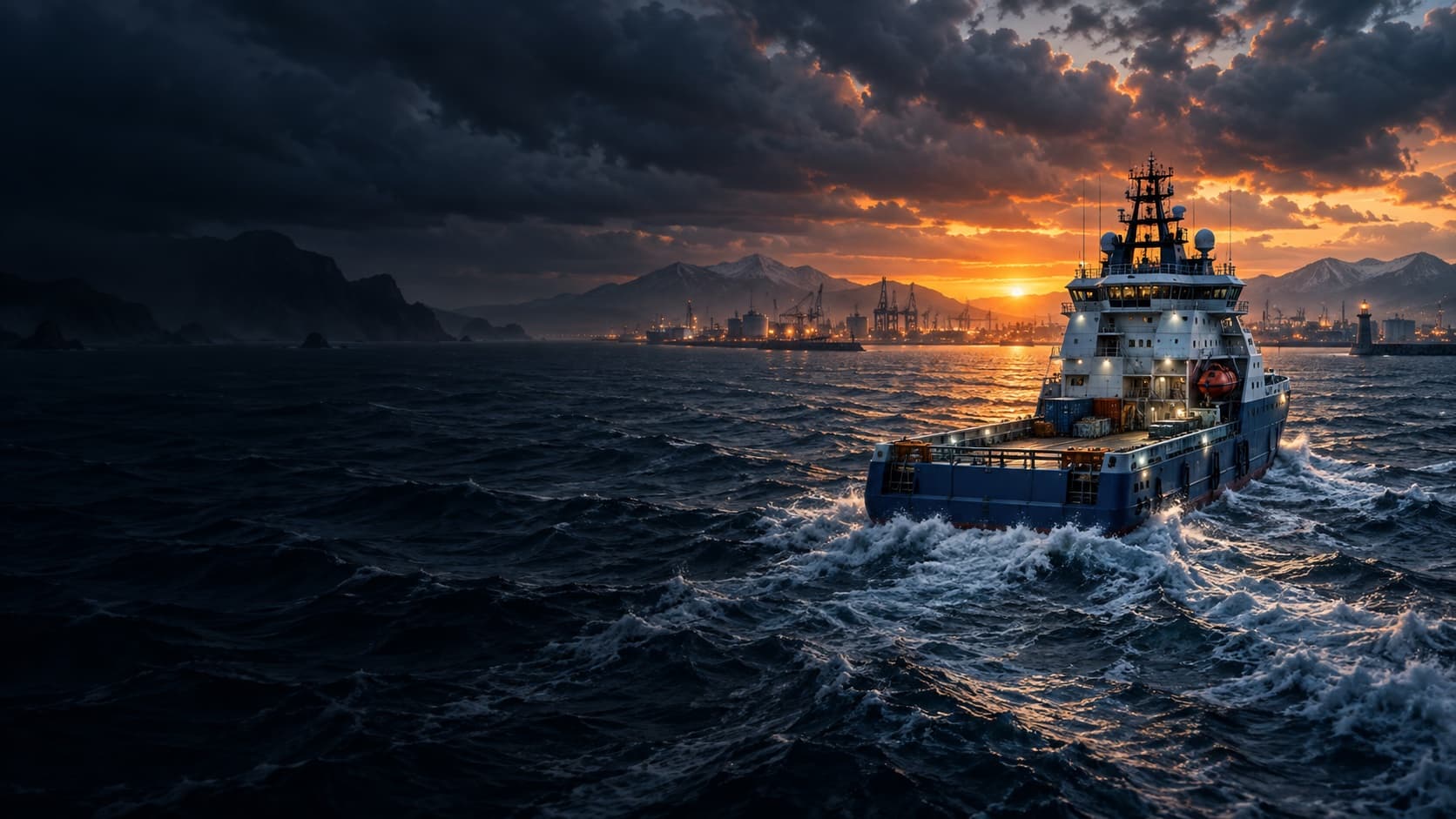
LNG cargo is available in Seafarer: The Ship Sim. Official updates identify Nordic Duchess as the LNG vessel and describe pressure handling plus manifold charging and discharging. LNG was later added to Free Trade between major harbours. Exact valve and hose inputs are 待确认.
LNG vessel and jobs
The LNG & Bulk Update introduced Nordic Duchess alongside Big Trip and Willy. It added gas delivery work and LNG handling gameplay. The developer specifically mentions pressure management and manifold operations, so this cargo type has mechanics beyond ordinary containers. The notes do not supply a complete pressure target or step order.
Trading LNG
The Co-op Crew Update added LNG to Free Trade between major harbours. A later note says bulk and LNG goods can be bought and sold through the regular trading system. Check the selected ship's cargo compatibility in the ship menu and trading screen before assuming a deal can be started. Prices and available offers rotate and need current in-game confirmation.
Manifold and pressure handling
The November 2025 LNG & Bulk Update describes special manifold charging and discharging operations and pressure handling. A December patch then improved LNG animations and added control guidance. These records establish the kind of work involved, but do not publish a safe or optimal numerical pressure range. The current mission prompts are the right place to identify the required sequence for the chosen job.
A November 2025 Steam discussion gives a player's controller-based account of a loading job. They describe taking a remote to the pipe connection area, using the help menu to see more control pages, aligning couplings with flanges, and connecting each required pump line. After returning the remote, they used the pump console and kept pressure in the displayed green zone before replacing flange caps. This is useful firsthand context, but its exact controller buttons and mission sequence have not been rechecked in the full release.
Another participant in that thread could not identify equivalent PC inputs at first. A later reply pointed them toward the help menu, and they reported solving the problem without publishing a keyboard map. That is why this guide does not translate controller buttons into guessed keyboard keys. Use the present help pages and on-screen prompts for your input device.
The full release fixed an LNG arm that could fail to reconnect after restarting a mission. It also fixed a manifold blocker and a crash during reward calculation. If you encounter a failed transfer, note whether the mission was restarted or restored from a save before assuming you missed a control step. A current workaround for any remaining failure is 待确认.
LNG versus other cargo
Nordic Duchess is listed as the LNG vessel, while Big Trip and Willy cover containers and bulk goods respectively. The August ship menu update made vessel cargo compatibility clearer, and the trading screen now explains certain ship-specific goods. Use that information to separate an unavailable LNG offer from an unrelated container restriction. The official updates do not provide one universal cargo route or profit figure.
Full-release fixes
The full-release log reports fixes for an LNG manifold blocker and reconnecting the LNG arm after restarting a mission. It also notes improvements to LNG recalculation and partial trade settlement. These changes matter when comparing a current run with an older tutorial or bug report. They do not prove that every LNG mission follows identical interactions.
Evidence
The official update log confirms the ship, cargo system and fixes; the Steam thread provides a dated player procedure. Exact current controls, pressure values and delivery route requirements remain 待确认 until full-release gameplay is documented.